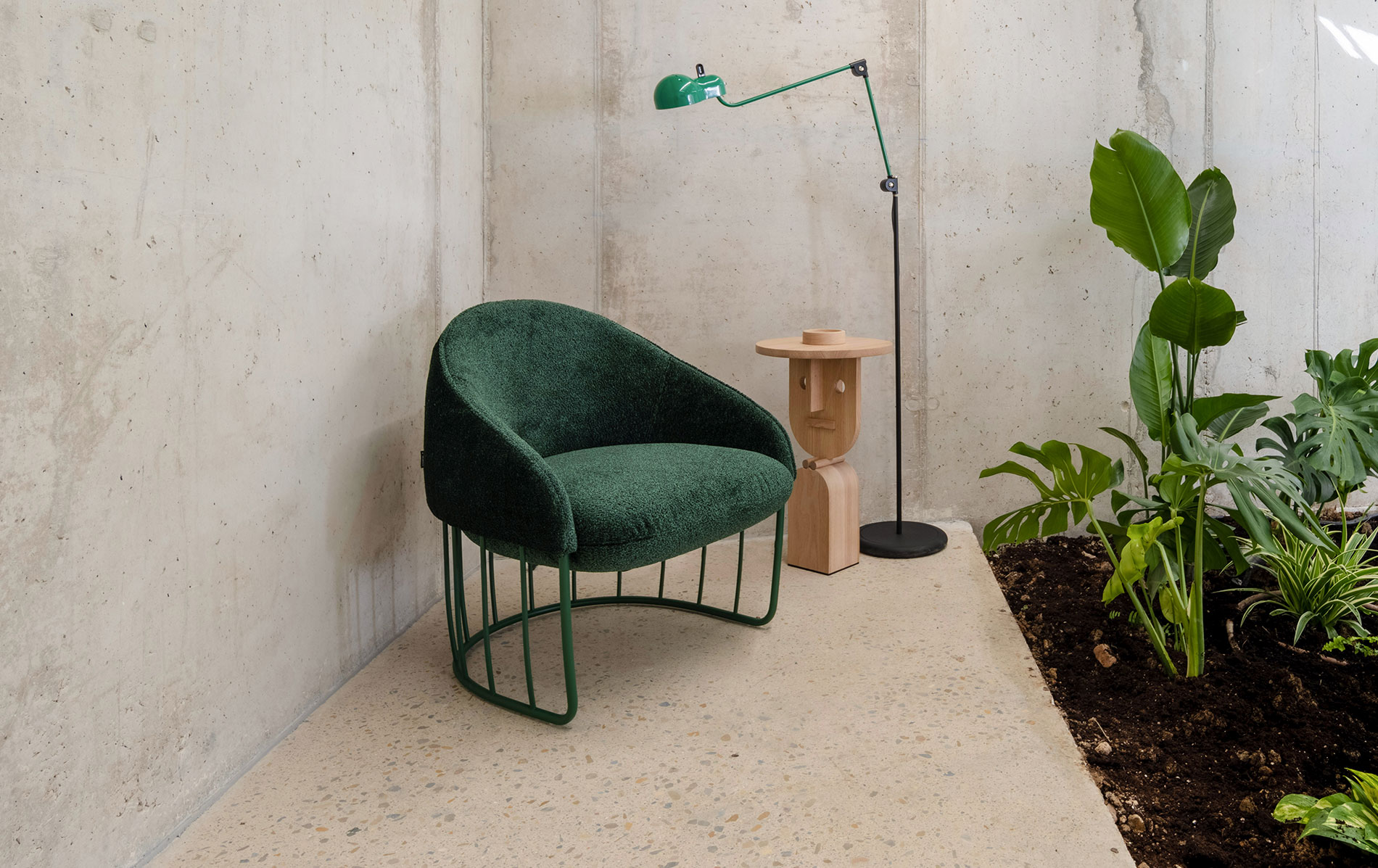

Now, we add ready-made sets to speed things up!
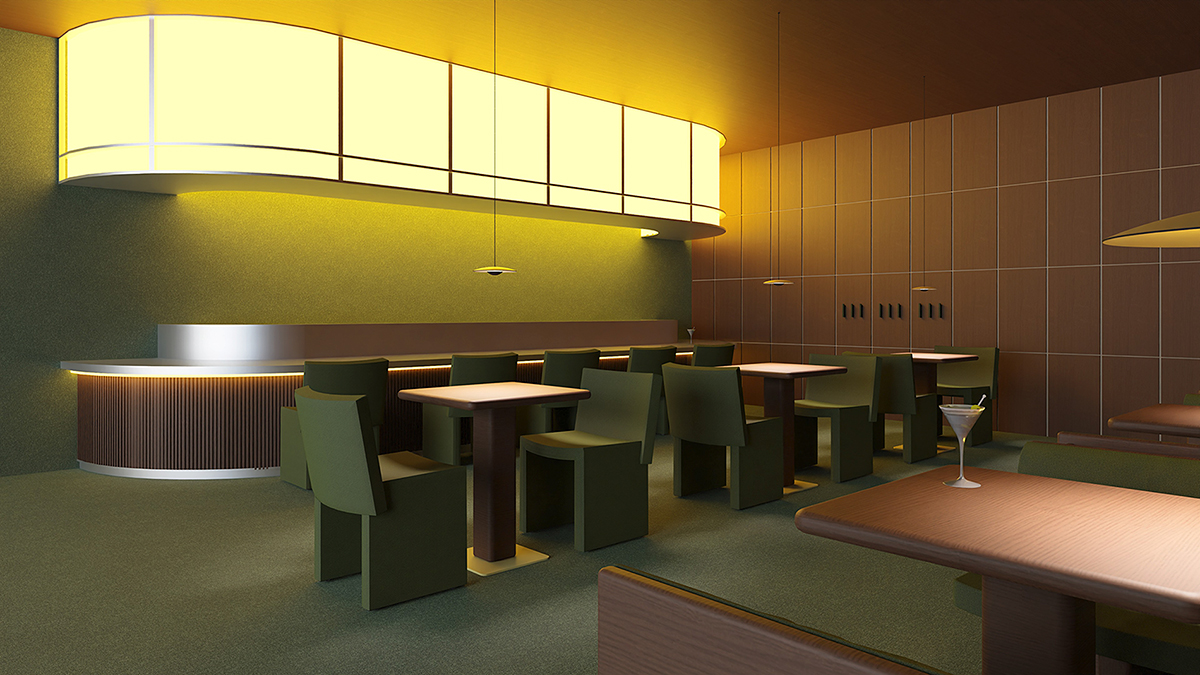
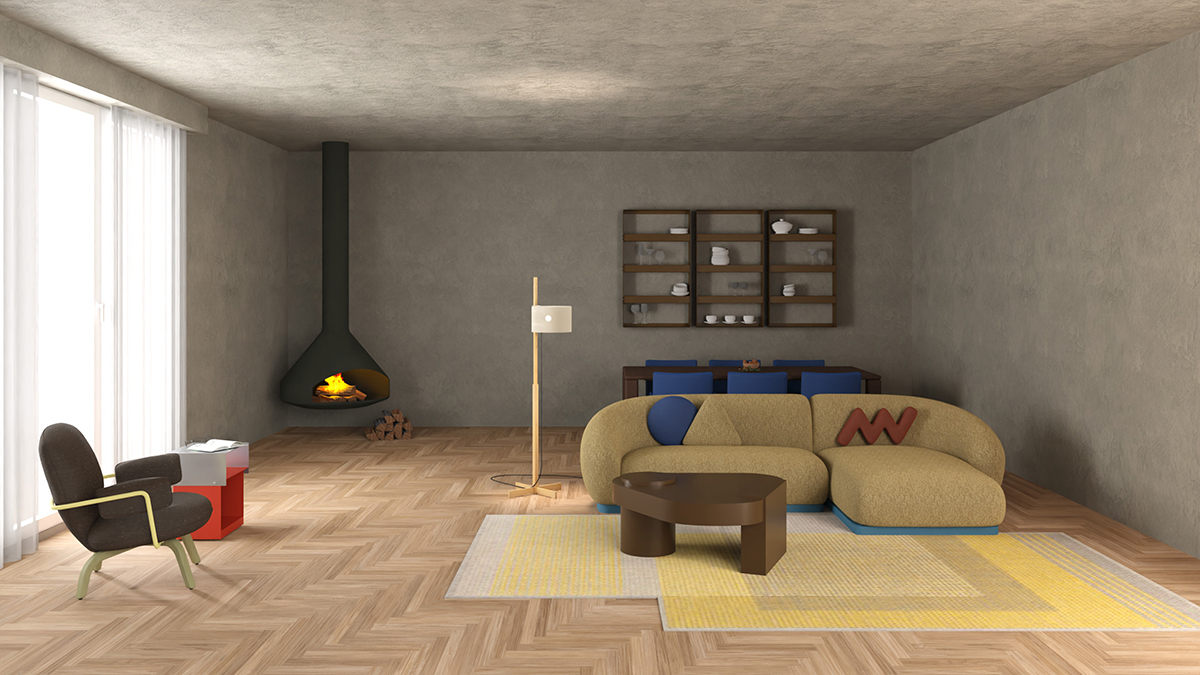
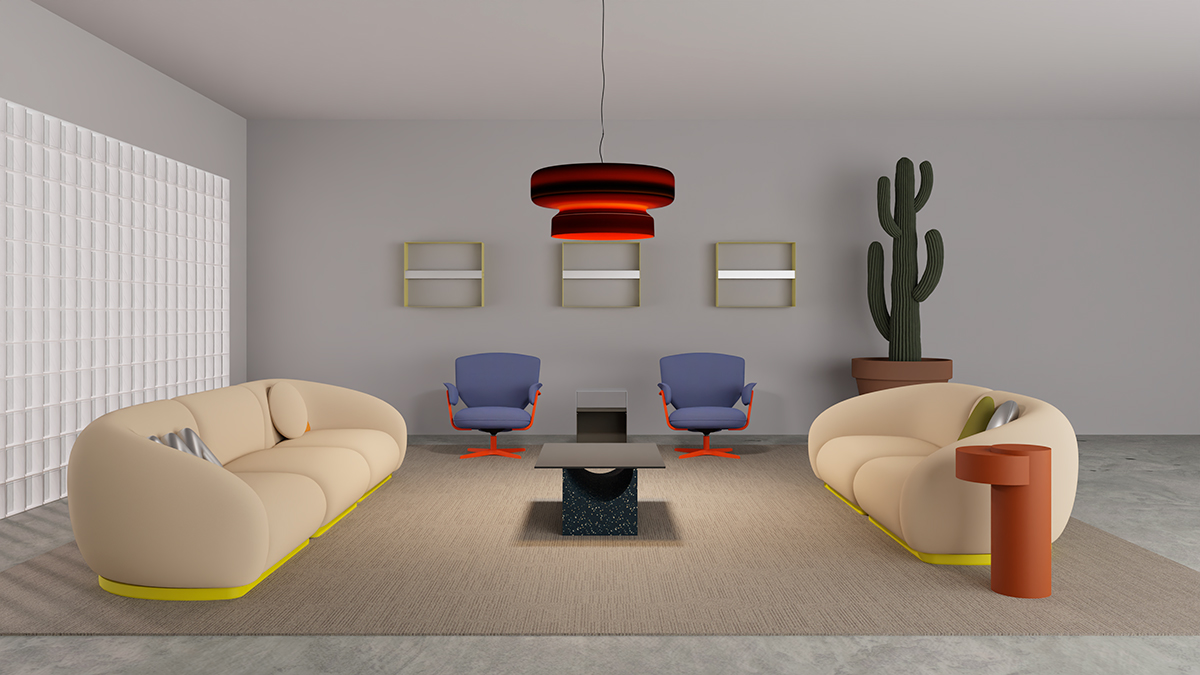
pCon isn’t just about configuring furniture, it’s also a full spatial design tool. And to spark your creativity, we’ve created downloadable “inspiration sets”: pre-configured environments where you can see how our pieces work across different moods, functions, and visual languages.
From organic and cozy to sharp and corporate, or playful and colorful, you can start from a style you love, then tweak, adapt, and make it your own.
These sets have been carefully designed by our interior design team. You can apply them directly to your real projects or use them as examples to explore other possible combinations of products, finishes, and configurations.
Below, you’ll find a tutorial on how to download these files from our website and import them into your pCon profile.

Simply download the set files in .PEC format and load them in pCon.planner or pCon.box for free to begin designing. Swap models, dimensions, finishes, and colours, and build your space your way.
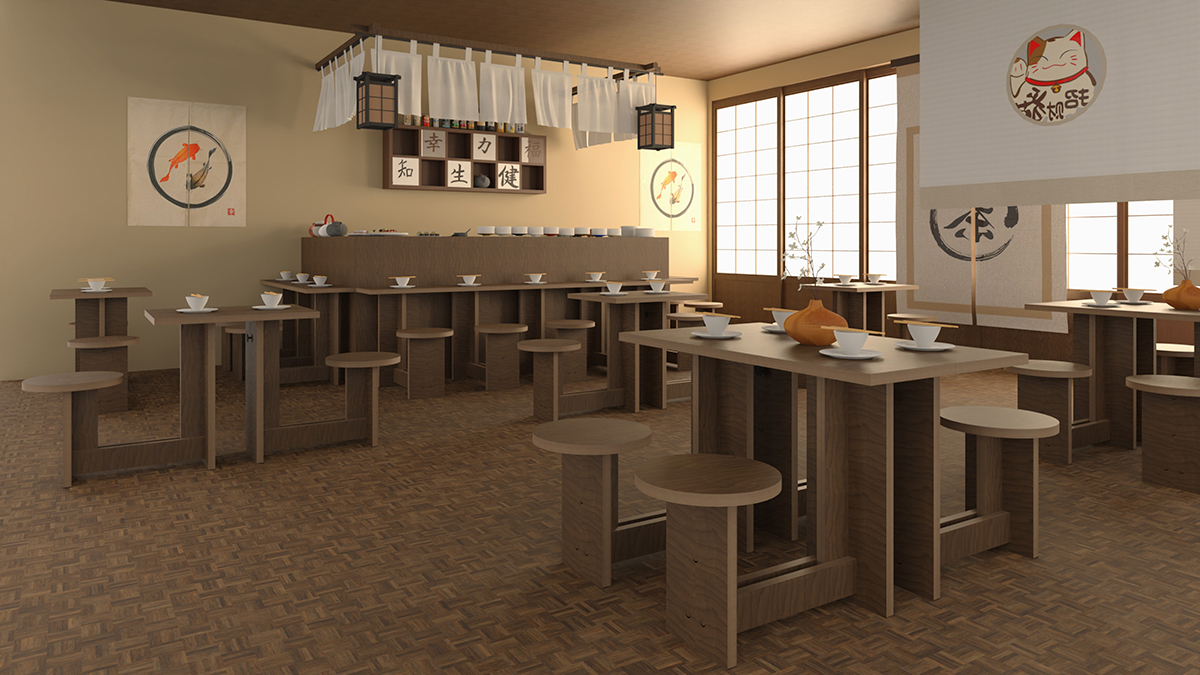
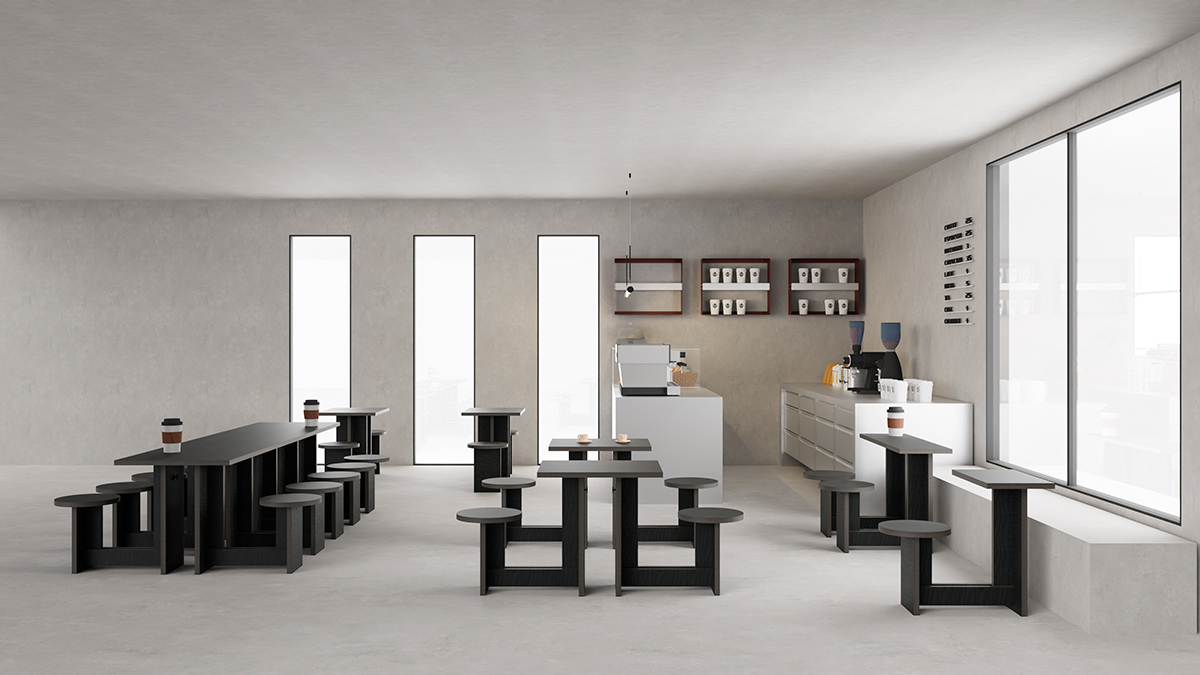
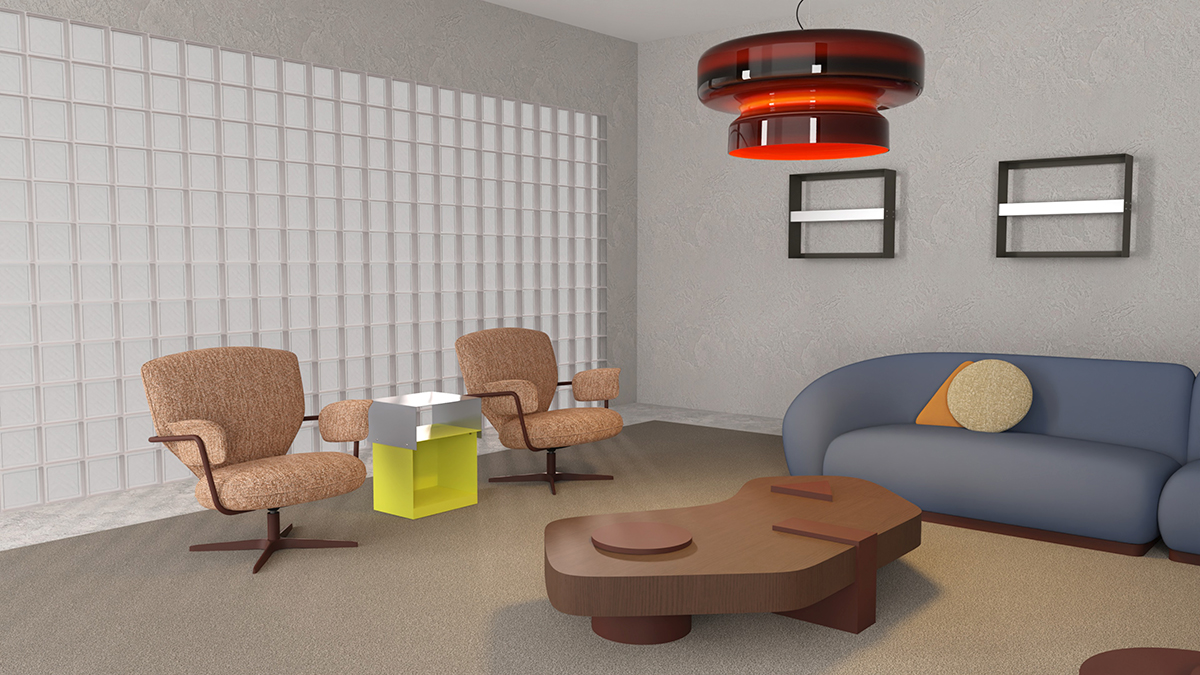
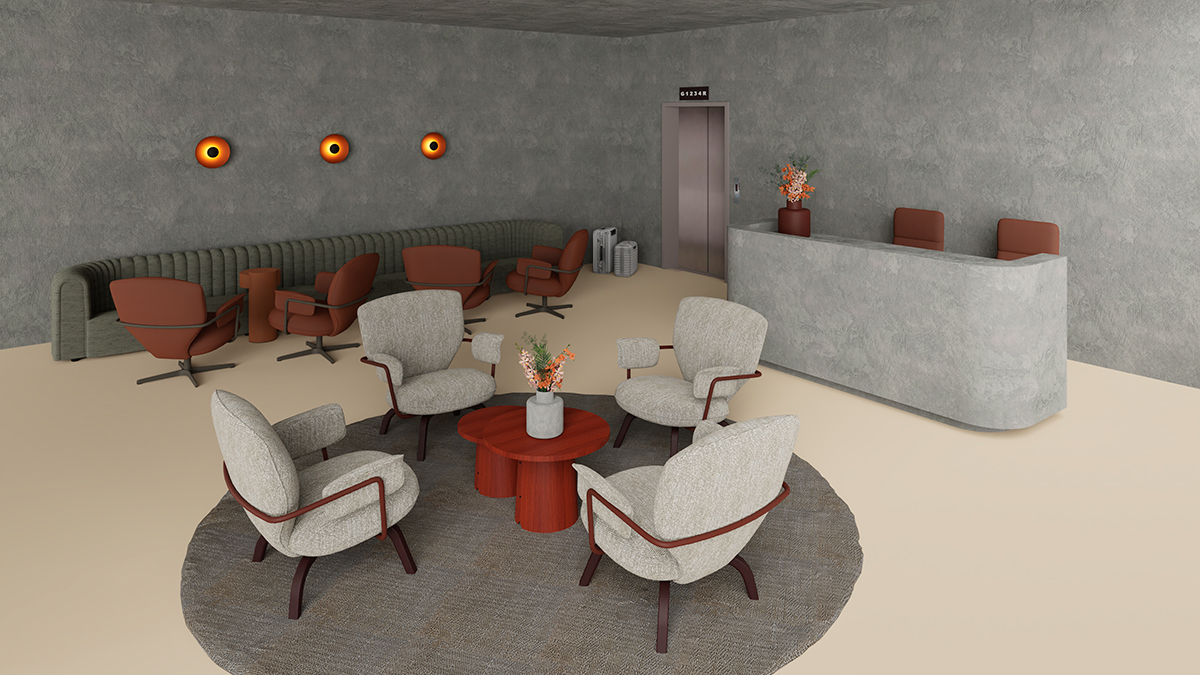
pCon Planner is a professional desktop tool that helps you plan your projects. If you haven’t explored it yet, you can find detailed instructions on how to join the pCon community here or contact our sales team for an explanation of how it works (sancal.com/where).
You can also use pCon Box online by searching for Sancal at https://box.pcon-solutions.com/.
Both tools are free and extremely useful. What are you waiting for? Start exploring our catalogue now!
Need a hand? Our interior design team is here for you, ready to support your project with creative ideas, technical advice, and tailored product recommendations that fit your style, purpose, and space.